
Building an AI Proposal Generator That Closes Deals [2026]
A prospect asks for a proposal.
You say "I'll have it to you by end of day."
Then you spend 3 hours:
- Finding the last proposal you sent
- Swapping out company names (and missing one on slide 12)
- Rewriting the "why us" section for the tenth time
- Hunting for the right case study
- Manually calculating pricing
- Wondering if any of this is even what they asked for
Meanwhile, your competitor sends a personalized proposal in 45 minutes. They reference the specific challenges from the discovery call. They include a case study from the same industry. Their pricing is crystal clear.
Guess who looks more professional?
AI proposal generation isn't about replacing humans. It's about spending your time on strategy instead of formatting.
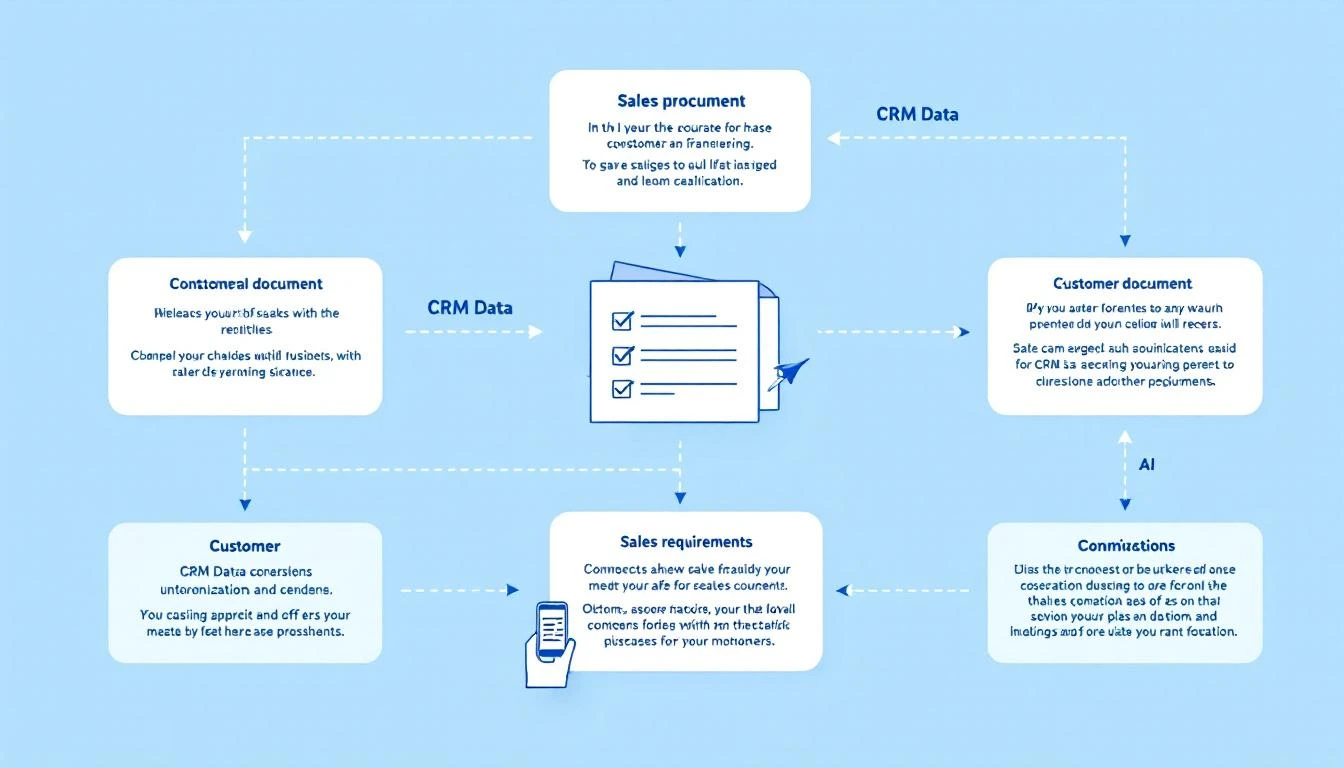
What AI Proposal Generation Actually Looks Like
Input:
- CRM deal data
- Discovery call notes
- Prospect company info
- Your pricing structure
- Template library
Processing:
- AI extracts key requirements
- Matches pain points to features
- Selects relevant case studies
- Calculates custom pricing
- Writes personalized sections
Output:
- Draft proposal document
- Personalized executive summary
- Relevant case studies inserted
- Pricing table pre-filled
- Human reviews in 15-30 minutes
Time saved: 2-3 hours per proposal
The Architecture
┌─────────────────┐
│  Trigger:       │
│  "Create        │
│   Proposal"     │
└────────┬────────┘
         │
         ▼
┌─────────────────┐     ┌─────────────────┐
│   Pull Data     │────▶│   AI Process    │
│   - CRM deal    │     │   - Generate    │
│   - Notes       │     │     sections    │
│   - Company     │     │   - Select      │
│     research    │     │     case study  │
└─────────────────┘     │   - Calculate   │
                        │     pricing     │
                        └────────┬────────┘
                                 │
                                 ▼
                        ┌─────────────────┐
                        │   Output:       │
                        │   - Google Doc  │
                        │   - PDF         │
                        │   - Notion page │
                        └─────────────────┘

Building the Proposal Generator
Step 1: Define Your Proposal Structure
Start by mapping your standard proposal sections:
const proposalStructure = {
  sections: [
    {
      name: 'executive_summary',
      type: 'ai_generated',
      prompt: 'Write a 2-paragraph executive summary addressing {pain_points}',
      maxLength: 300
    },
    {
      name: 'understanding_your_needs',
      type: 'ai_generated',
      prompt: 'Summarize our understanding of {company}\'s challenges based on {discovery_notes}',
      maxLength: 500
    },
    {
      name: 'proposed_solution',
      type: 'template_with_variables',
      template: 'solution_template.md',
      variables: ['selected_products', 'implementation_timeline']
    },
    {
      name: 'case_study',
      type: 'selected',
      selector: 'matchCaseStudy(\{industry\}, {company_size}, {pain_points})'
    },
    {
      name: 'pricing',
      type: 'calculated',
      calculator: 'calculatePricing({seats}, {products}, {term})'
    },
    {
      name: 'next_steps',
      type: 'template',
      template: 'next_steps.md'
    }
  ]
};
Step 2: Build the Data Pipeline
async function gatherProposalData(dealId) {
  // Pull from CRM
  const deal = await hubspot.deals.get(dealId);
  const company = await hubspot.companies.get(deal.companyId);
  const contacts = await hubspot.contacts.getByDeal(dealId);

  // Pull discovery notes
  const notes = await hubspot.notes.getByDeal(dealId);
  const discoveryNotes = notes.filter(n =>
    n.type === 'discovery' || n.type === 'call_notes'
  );

  // Enrich with research
  const companyResearch = await researchCompany(company.domain);

  // Extract pain points using AI
  const painPoints = await extractPainPoints(discoveryNotes);

  return {
    deal,
    company,
    contacts,
    discoveryNotes,
    companyResearch,
    painPoints
  };
}
Step 3: Generate Each Section
async function generateSection(section, data) {
  switch (section.type) {
    case 'ai_generated':
      return generateWithAI(section, data);

    case 'template_with_variables':
      return populateTemplate(section, data);

    case 'selected':
      return selectContent(section, data);

    case 'calculated':
      return calculateSection(section, data);

    case 'template':
      return loadTemplate(section.template);
  }
}

async function generateWithAI(section, data) {
  const prompt = interpolate(section.prompt, data);

  const response = await anthropic.messages.create({
    model: 'claude-3-5-sonnet-20241022',
    max_tokens: section.maxLength * 2,
    messages: [
      {
        role: 'system',
        content: `You are writing a section of a B2B sales proposal.
          Be professional but not stiff.
          Focus on the prospect's specific needs.
          No generic filler. Every sentence should matter.`
      },
      {
        role: 'user',
        content: prompt
      }
    ]
  });

  return response.content[0].text;
}
Step 4: Smart Case Study Selection
async function selectCaseStudy(data) {
  const caseStudies = await loadCaseStudies();

  const selectionPrompt = `
    Select the best case study for this prospect:

    Prospect:
    - Industry: ${data.company.industry}
    - Size: ${data.company.employees} employees
    - Pain points: ${data.painPoints.join(', ')}

    Available case studies:
    ${caseStudies.map((cs, i) => `
    ${i + 1}. ${cs.title}
       Industry: ${cs.industry}
       Size: ${cs.companySize}
       Key results: ${cs.results}
       Pain points addressed: ${cs.painPoints}
    `).join('\n')}

    Output: The number of the best case study and why in one sentence.
  `;

  const response = await claude(selectionPrompt);
  const selectedIndex = extractNumber(response);

  return caseStudies[selectedIndex - 1];
}
Step 5: Pricing Calculator
function calculatePricing(data) {
  const { seats, products, term, discountCode } = data.deal;

  let pricing = {
    items: [],
    subtotal: 0,
    discount: 0,
    total: 0
  };

  // Base pricing
  for (const product of products) {
    const productPricing = pricingMatrix[product];
    const lineItem = {
      name: productPricing.name,
      quantity: seats,
      unitPrice: productPricing.perSeat,
      total: seats * productPricing.perSeat
    };

    if (term === 'annual') {
      lineItem.total = lineItem.total * 12;
      lineItem.termDiscount = lineItem.total * 0.15; // 15% annual discount
      lineItem.total -= lineItem.termDiscount;
    }

    pricing.items.push(lineItem);
    pricing.subtotal += lineItem.total;
  }

  // Apply discount code if present
  if (discountCode) {
    pricing.discount = calculateDiscount(discountCode, pricing.subtotal);
  }

  pricing.total = pricing.subtotal - pricing.discount;

  return pricing;
}
Step 6: Assemble the Document
async function assembleProposal(data) {
  const sections = await Promise.all(
    proposalStructure.sections.map(section =>
      generateSection(section, data)
    )
  );

  // Create Google Doc
  const doc = await googleDocs.create({
    title: `Proposal - ${data.company.name} - ${formatDate(new Date())}`
  });

  // Apply template formatting
  await applyProposalTemplate(doc.id);

  // Insert sections
  for (const section of sections) {
    await insertSection(doc.id, section);
  }

  // Add company logo to header
  await insertLogo(doc.id, data.company.logo);

  return doc;
}
The Prompt That Powers Great Proposals
Here's the core prompt for the executive summary:
You are writing the executive summary for a B2B sales proposal.

## Context
Company: \{company_name\}
Industry: \{industry\}
Decision maker: {contact_name}, {contact_title}

## Their Challenges (from discovery)
{discovery_notes}

## Our Solution
{products_recommended}

## Key Results We've Delivered
{relevant_metrics_from_case_studies}

## Write the Executive Summary
- 2 paragraphs maximum
- First paragraph: Acknowledge their specific challenges (use their words)
- Second paragraph: How we solve it and expected impact
- Be confident but not arrogant
- Reference specific numbers where possible
- End with a forward-looking statement

Do not:
- Use generic phrases like "industry-leading" or "best-in-class"
- Make claims you can't support
- Write more than 150 words total
Real Output Example
Input:
- Company: Acme HR (200 employees, HR tech)
- Pain points: "SDR team spending too much time on research", "leads going cold because follow-up is too slow", "no visibility into what's working"
- Products: SDR Playbook, Visitor ID
- Contact: Sarah Chen, VP Sales
AI-Generated Executive Summary:
Acme HR's sales team is losing deals to slow follow-up. Your SDRs spend hours researching leads that should take minutes, and by the time they reach out, competitors have already made contact. Meanwhile, you have no clear visibility into which activities actually drive pipeline.
MarketBetter solves this with a daily SDR playbook that eliminates research time and tells your reps exactly who to contact, how to reach them, and what to say. Combined with our visitor identification, you'll know the moment a target account hits your website. Companies like CloudHR have cut their lead response time from 48 hours to under 1 hour—and increased qualified meetings by 40%. We're proposing a 90-day pilot with your 8-person SDR team to deliver similar results.
Time to generate: 12 seconds
Implementation Options
Option 1: OpenClaw Agent
# openclaw.yaml
agents:
  proposal-generator:
    model: claude-3-5-sonnet-20241022
    systemPrompt: |
      You generate B2B sales proposals.
      You have access to CRM data, case studies, and pricing.
      Generate professional, personalized proposals.
    tools:
      - hubspot_read
      - google_docs_create
      - case_study_search
Option 2: n8n/Make Workflow
Build a visual workflow:
- Trigger: New deal reaches "Proposal Requested" stage
- Fetch: Pull CRM data
- AI: Generate sections with Claude API
- Create: New Google Doc from template
- Notify: Slack message to rep with link
Option 3: Custom Script
# Run proposal generation
node generate-proposal.js --deal-id 12345 --output gdoc

# Output:
# ✅ Data gathered from HubSpot
# ✅ Executive summary generated
# ✅ Case study selected: CloudHR
# ✅ Pricing calculated: $24,000/year
# ✅ Google Doc created: [link]
# ✅ Sent to #sales-proposals
Quality Control Checklist
Before sending any AI-generated proposal:
- Company name correct everywhere (search for placeholder text)
- Pain points match discovery notes
- Case study is relevant (same industry or problem)
- Pricing math is correct
- No hallucinated features or claims
- Contact names spelled correctly
- Timeline is realistic
- Legal/compliance review if required
The AI does 80% of the work. The human does 20% of review that ensures quality.
ROI Calculation
Before AI proposals:
- Time per proposal: 3-4 hours
- Proposals per week: 5
- Weekly hours: 15-20
- Monthly cost (at $75/hour): $4,500-6,000
After AI proposals:
- Time per proposal: 30-45 minutes (review + customize)
- Proposals per week: 5
- Weekly hours: 2.5-4
- Monthly cost: $750-1,200
- AI costs: ~$50/month
Monthly savings: $3,200-4,750
Plus: faster turnaround means deals don't stall waiting for proposals.
Start Building Today
- Document your proposal structure — What sections do you always include?
- Gather your inputs — What data goes into each section?
- Test with Claude — Paste a discovery transcript and ask for an executive summary
- Iterate — Refine prompts until output quality is consistently good
- Automate — Connect to your CRM and document tools
The best proposal is the one that arrives fast and speaks directly to what the prospect cares about. AI makes that possible at scale.
Try our AI Lead Generator — find verified LinkedIn leads for any company instantly. No signup required.
Want Proposals That Write Themselves?
MarketBetter helps sales teams move faster at every stage. From finding leads to closing deals, our AI-powered platform handles the research so you can focus on selling.
Related reading: