
How to Automate Meeting Follow-Ups with AI Coding Agents [2026]
The call ends. Now you have 15 minutes before your next one.
In that window, you're supposed to:
- Write a personalized follow-up email
- Update the CRM with notes
- Create action items in your task manager
- Share key insights with your team
- Send relevant resources to the prospect
Reality? You update one line in the CRM, fire off a generic "great chatting" email, and hope you remember the details later.
This is exactly the problem AI coding agents were built to solve.
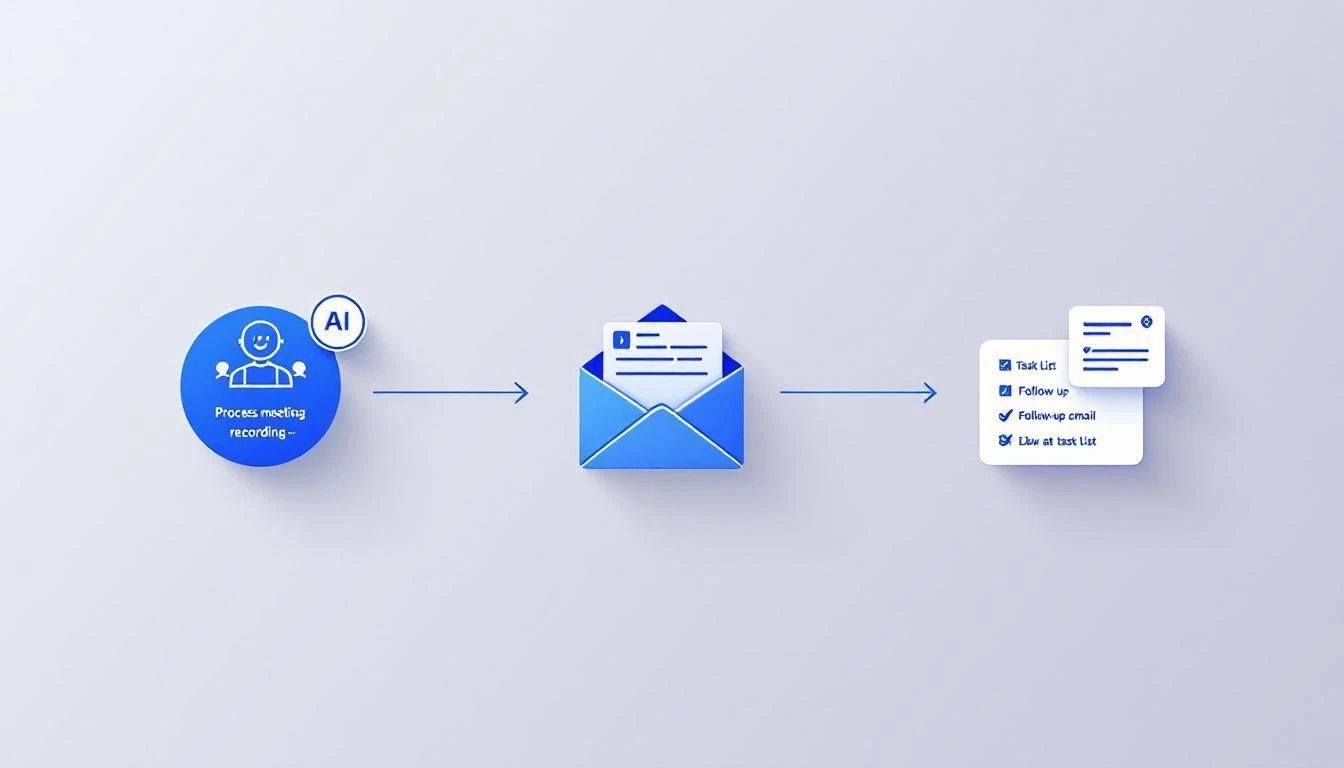
The Manual Follow-Up Tax
Let's do the math:
- Average sales call: 30 minutes
- Manual follow-up time: 15-20 minutes
- Calls per day: 4-6
- Follow-up time per day: 60-120 minutes
That's 1-2 hours daily on post-call admin. For an SDR making $60K/year, that's roughly $15,000/year in follow-up labor costs per rep.
Now multiply by your team size.
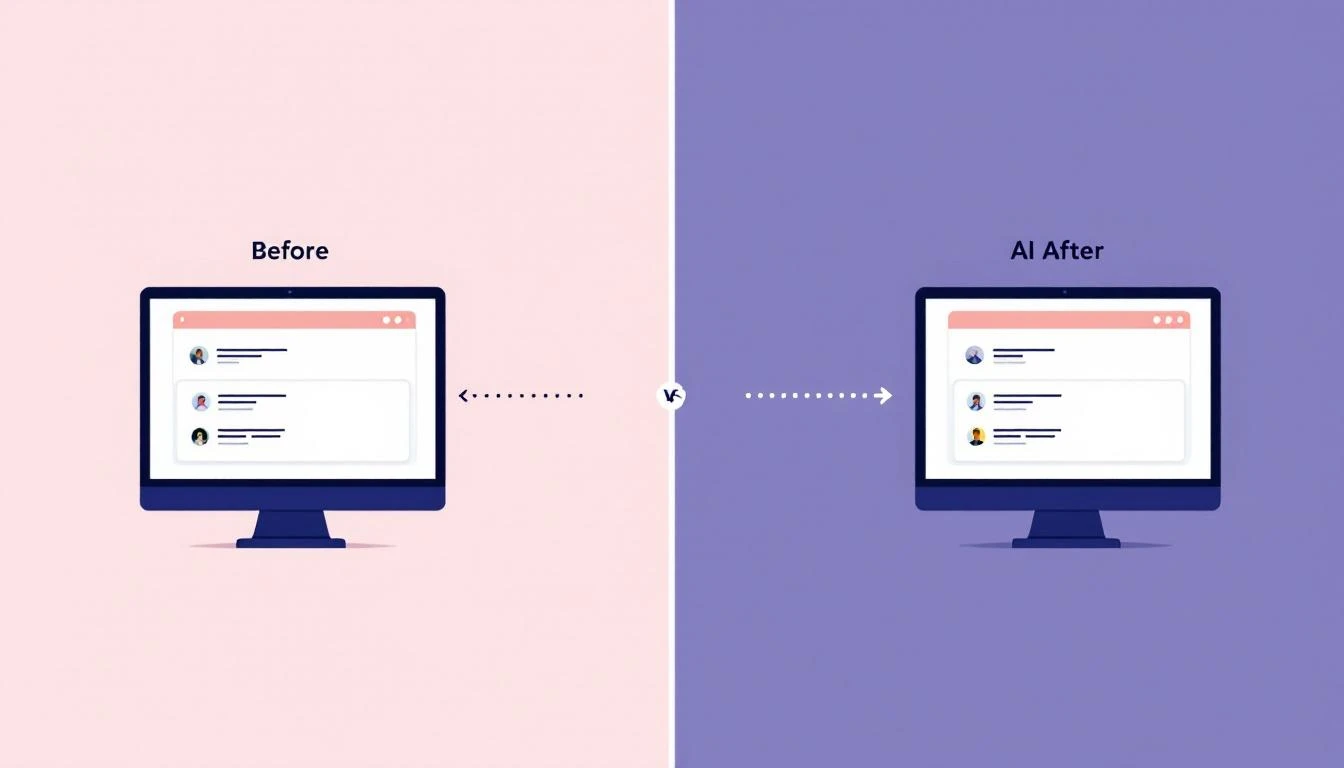
What AI Meeting Follow-Ups Look Like
Here's the workflow we've built:
- Call ends → Recording hits Gong/Fireflies/your tool
- Transcript ready → Webhook triggers automation
- AI processes → Extracts insights, action items, next steps
- Outputs generated:
- Personalized follow-up email (draft in Gmail)
- CRM updated with structured notes
- Action items created in Asana/Linear
- Slack notification with highlights
- Human reviews → Edit and send in 2 minutes
Total time: 2 minutes of review vs 20 minutes of creation.
Building the Automation Stack
Architecture Overview
┌─────────────────┐     ┌─────────────────┐     ┌─────────────────┐
│  Call Recording │────▶│   AI Processing │────▶│    Outputs      │
│  (Gong, etc.)   │     │  (Claude/Codex) │     │  (Email, CRM)   │
└─────────────────┘     └─────────────────┘     └─────────────────┘
         │                      │                       │
         ▼                      ▼                       ▼
    Transcript            Extract:                 Create:
    + Metadata        - Key moments             - Email draft
                      - Action items            - CRM notes
                      - Objections              - Tasks
                      - Next steps              - Slack alert
Option 1: OpenClaw Cron Job
If you're already using OpenClaw, add a cron job that checks for new call transcripts:
# In your OpenClaw config
cron:
  - name: "Process new call transcripts"
    schedule: "*/15 * * * *"  # Every 15 minutes
    prompt: |
      Check for new call transcripts from the last 15 minutes.
      For each new transcript:
      1. Generate a follow-up email draft
      2. Extract action items
      3. Update CRM with structured notes
      4. Send Slack summary to #sales
Option 2: Codex Script
Use OpenAI Codex to build a dedicated processing script:
// process-call.js
const { OpenAI } = require('openai');
const openai = new OpenAI();

async function processCallTranscript(transcript, dealContext) {
  const response = await openai.chat.completions.create({
    model: "gpt-4-turbo",
    messages: [
      {
        role: "system",
        content: `You are a sales operations assistant. Process call transcripts
                  and generate: follow-up emails, CRM notes, and action items.
                  Be specific and reference actual discussion points.`
      },
      {
        role: "user",
        content: `
          ## Call Transcript
          ${transcript}

          ## Deal Context
          ${dealContext}

          ## Generate
          1. Follow-up email (personalized, reference specific moments)
          2. CRM notes (structured: Summary, Key Moments, Objections, Next Steps)
          3. Action items (owner, due date, description)
        `
      }
    ]
  });

  return parseResponse(response.choices[0].message.content);
}
Option 3: Claude with Function Calling
Claude excels at understanding nuance in sales conversations:
import anthropic

client = anthropic.Anthropic()

def process_sales_call(transcript: str, prospect_info: dict) -> dict:
    response = client.messages.create(
        model="claude-3-5-sonnet-20241022",
        max_tokens=4096,
        tools=[
            {
                "name": "create_follow_up",
                "description": "Generate a follow-up email",
                "input_schema": {
                    "type": "object",
                    "properties": {
                        "subject": {"type": "string"},
                        "body": {"type": "string"},
                        "resources": {
                            "type": "array",
                            "items": {"type": "string"}
                        }
                    }
                }
            },
            {
                "name": "update_crm",
                "description": "Update CRM with call notes",
                "input_schema": {
                    "type": "object",
                    "properties": {
                        "summary": {"type": "string"},
                        "next_steps": {"type": "array"},
                        "objections": {"type": "array"},
                        "champion_signals": {"type": "array"}
                    }
                }
            }
        ],
        messages=[
            {
                "role": "user",
                "content": f"""
                Process this sales call and generate follow-up actions.

                Prospect: {prospect_info}

                Transcript:
                {transcript}

                Use the provided tools to:
                1. Create a personalized follow-up email
                2. Update the CRM with structured notes
                """
            }
        ]
    )

    return extract_tool_calls(response)
The Follow-Up Email That Wins
Generic follow-ups:
Hi Sarah,

Great chatting today! I'll send over those resources we discussed.
Let me know if you have any questions.

Best,
Mike
AI-personalized follow-ups:
Hi Sarah,

Thanks for walking me through how your SDR team handles the
lead scoring issue you mentioned—sounds like the current 2-day
SLA is creating real friction with your demand gen team.

You asked about how we handle intent signals from anonymous
visitors. I'm attaching our visitor identification case study
(the Hologram example you asked about is on page 3).

For the budget conversation with David next week, here's a
one-pager comparing our pricing to the $35K/year tool you
mentioned. Happy to jump on a call beforehand to prep you.

Two questions from our discussion I want to circle back on:
1. The Salesforce integration timeline—are you targeting Q2?
2. Which 3 SDRs would pilot the tool first?

Does Thursday 2pm work for the technical deep-dive with your ops team?

Best,
Mike
The difference: specificity. The AI references actual discussion points, answers real questions, and moves the deal forward.
CRM Notes That Actually Help
Bad CRM notes (what most reps write):
Good call. Interested in product. Will follow up next week.
AI-generated structured notes:
## Call Summary
30-min discovery call with Sarah (VP Sales) and Mike (SDR Manager).
Currently evaluating MarketBetter vs Warmly. Budget approved,
timeline is Q2 implementation.

## Key Moments
- [8:32] Sarah mentioned 2-day lead SLA causing "constant friction"
- [14:15] Mike asked specifically about Salesforce integration
- [22:40] Budget holder is David Chen (CFO), Sarah has soft approval
- [26:00] Competitor Warmly quoted $35K/year

## Objections Raised
1. Concerned about SDR adoption (Mike)
2. Integration with existing tech stack (Sarah)
3. Data accuracy compared to current provider

## Next Steps
- Send visitor ID case study (Hologram example)
- Schedule technical deep-dive with ops team
- Prep Sarah for budget conversation with David

## Champion Signals
- Sarah used "we need" language 4 times
- Unprompted mention of timeline pressure
- Asked about implementation support
This is what your AI should output. No more lost context between calls.
Action Item Extraction
AI should automatically create tasks:
{
  "action_items": [
    {
      "task": "Send Hologram visitor ID case study",
      "owner": "Mike (rep)",
      "due": "2026-02-09",
      "priority": "high",
      "context": "Sarah specifically asked for this at 14:15"
    },
    {
      "task": "Schedule technical deep-dive",
      "owner": "Mike (rep)",
      "due": "2026-02-10",
      "priority": "high",
      "context": "Needs ops team involvement"
    },
    {
      "task": "Create CFO one-pager for Sarah",
      "owner": "Mike (rep)",
      "due": "2026-02-12",
      "priority": "medium",
      "context": "Budget conversation with David next week"
    }
  ]
}
These should auto-create in your task manager (Asana, Linear, Notion).
Implementation Checklist
Prerequisites
- Call recording tool with API (Gong, Fireflies, Chorus)
- CRM with API access (HubSpot, Salesforce)
- Email tool with draft creation API (Gmail, Outlook)
- AI API access (Claude, GPT-4, Codex)
Phase 1: Basic Automation
- Set up webhook for new transcripts
- Build AI processing pipeline
- Generate email drafts
- Send to Slack for review
Phase 2: CRM Integration
- Extract structured data from AI output
- Map to CRM fields
- Auto-update deal records
- Add activity logging
Phase 3: Task Management
- Parse action items
- Create tasks in project tool
- Assign owners and due dates
- Link back to deal/contact
Phase 4: Optimization
- Add feedback loop (rep edits → training)
- A/B test email templates
- Track follow-up effectiveness
- Refine extraction prompts
The ROI Calculation
Before automation:
- 20 min follow-up × 5 calls/day × 250 days = 417 hours/year
- At $50/hour loaded cost = $20,850/year per rep
After automation:
- 2 min review × 5 calls/day × 250 days = 42 hours/year
- AI costs: ~$300/year (at $0.01/transcript)
- Total: $2,400/year per rep
Savings: $18,450/year per rep
For a 10-person SDR team: $184,500/year back to selling.
Start Today
You don't need a perfect system. Start with:
- Export one transcript from your call recording tool
- Paste into Claude with the prompt:
Generate a personalized follow-up email and structured CRM notes
from this sales call transcript: [transcript] - Review the output — is it better than what you'd write in 2 minutes?
- Automate once you see the quality
The time you save on follow-ups goes straight to more conversations.
Try our AI Lead Generator — find verified LinkedIn leads for any company instantly. No signup required.
Let AI Handle the Admin So You Can Sell
MarketBetter's AI-powered playbook doesn't just track your deals—it tells your SDRs exactly what to do next. No more manual prioritization. No more missed follow-ups.
Related reading: