
Build a Custom AI Lead Scoring Model with OpenAI Codex [2026]

Every SDR knows the pain: hundreds of leads in your CRM, but which ones deserve your attention first? Traditional lead scoring assigns arbitrary points—visited pricing page (+10), downloaded ebook (+5), company size over 100 (+15). But these rules miss context. They don't know that a Series A startup founder researching competitors is hotter than an enterprise IT manager who accidentally clicked your ad.
GPT-5.3 Codex, released February 5, 2026, changes everything. With mid-turn steering and the most capable agentic coding model to date, you can build custom lead scoring systems that actually understand your business—and update themselves as your market evolves.
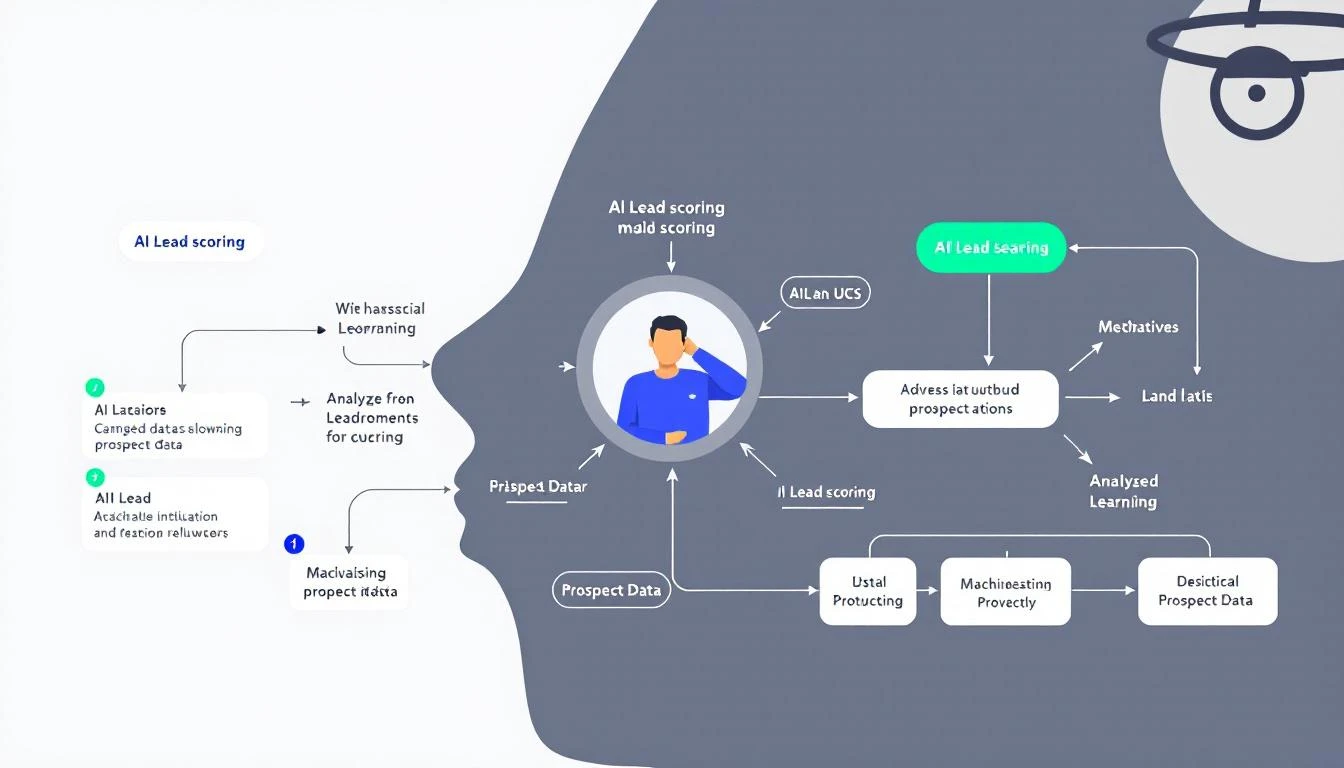
Why Traditional Lead Scoring Fails
The problem with rule-based lead scoring:
- Static rules don't adapt - Your market changes, but your +10 for pricing page visits doesn't
- Context blindness - A VP who visits once is more valuable than an intern who visits daily
- Signal overload - Modern GTM teams have too many intent signals to manually weight
- No pattern recognition - Rules can't see that your best customers always ask about integrations first
AI-powered lead scoring analyzes patterns across your entire customer history and dynamically weights signals based on what actually predicts closed deals—not what your team thinks predicts closed deals.
The Codex Advantage
OpenAI Codex (GPT-5.3) brings three features that make it perfect for building lead scoring systems:
1. Mid-Turn Steering
While Codex is analyzing your historical deal data, you can redirect it in real-time:
"Actually, focus more on the timing patterns—when in the buying cycle did won deals typically reach out?"
This is huge. Traditional AI coding tools make you wait until completion to review and restart. With Codex, you guide the analysis as it happens.
2. Multi-File Orchestration
Lead scoring requires pulling data from multiple sources:
- CRM records (HubSpot, Salesforce)
- Website behavior (page views, session duration)
- Email engagement (opens, clicks, replies)
- Intent signals (G2 visits, competitor research)
Codex navigates across files and APIs seamlessly, building integrations as it goes.
3. Cloud-Native Execution
Codex Cloud lets you run scoring jobs on a schedule without managing infrastructure. Deploy once, score continuously.
Building Your Scoring Model: Step by Step
Here's the practical workflow using Codex CLI:
Step 1: Install and Configure
npm install -g @openai/codex
codex auth login
Step 2: Define Your Scoring Criteria
Create a scoring-spec.md file that describes your ideal customer:
# Lead Scoring Model Specification

## High-Value Signals
- Title contains VP, Director, Head of, or C-level
- Company size 50-500 employees
- Industry: B2B SaaS, Technology, Professional Services
- Recent activity: visited pricing or demo page
- Engaged with competitor comparison content

## Medium-Value Signals
- Downloaded case study or ROI calculator
- Attended webinar
- Multiple team members from same company

## Low-Value Signals (or Negative)
- Generic email domain (gmail, yahoo)
- Student or intern title
- Company size under 10 employees
Step 3: Let Codex Build the Model
codex run "Build a lead scoring function based on scoring-spec.md.
Pull closed-won deals from HubSpot, analyze common patterns,
and create a weighted scoring algorithm. Output should be a
reusable function that takes a contact object and returns 0-100 score."
Step 4: Steer Mid-Analysis
As Codex works, you'll see it pulling data and identifying patterns. Use mid-turn steering to refine:
"I see you're weighting company size heavily, but our best deals actually came from companies of all sizes—focus more on engagement velocity instead."
Codex adjusts in real-time without restarting.
Step 5: Deploy and Automate
Once your scoring function is built, deploy it to run on every new lead:
codex deploy scoring-function.js --trigger webhook --schedule "*/30 * * * *"
New leads get scored within minutes of entering your CRM.
Sample Scoring Output
Here's what an AI-generated lead score report looks like:
{
  "lead_id": "contact_12345",
  "name": "Sarah Chen",
  "company": "TechScale Solutions",
  "score": 87,
  "scoring_breakdown": {
    "title_signal": 25,
    "company_fit": 20,
    "engagement_velocity": 22,
    "intent_signals": 15,
    "recency_bonus": 5
  },
  "recommended_action": "Priority outreach - visited pricing 3x this week",
  "similar_won_deals": ["Acme Corp", "DataFlow Inc"]
}
The model doesn't just give a number—it explains why and tells your SDR exactly what to do.
Integrating with Your SDR Workflow
A score means nothing if it doesn't drive action. Here's how to operationalize:
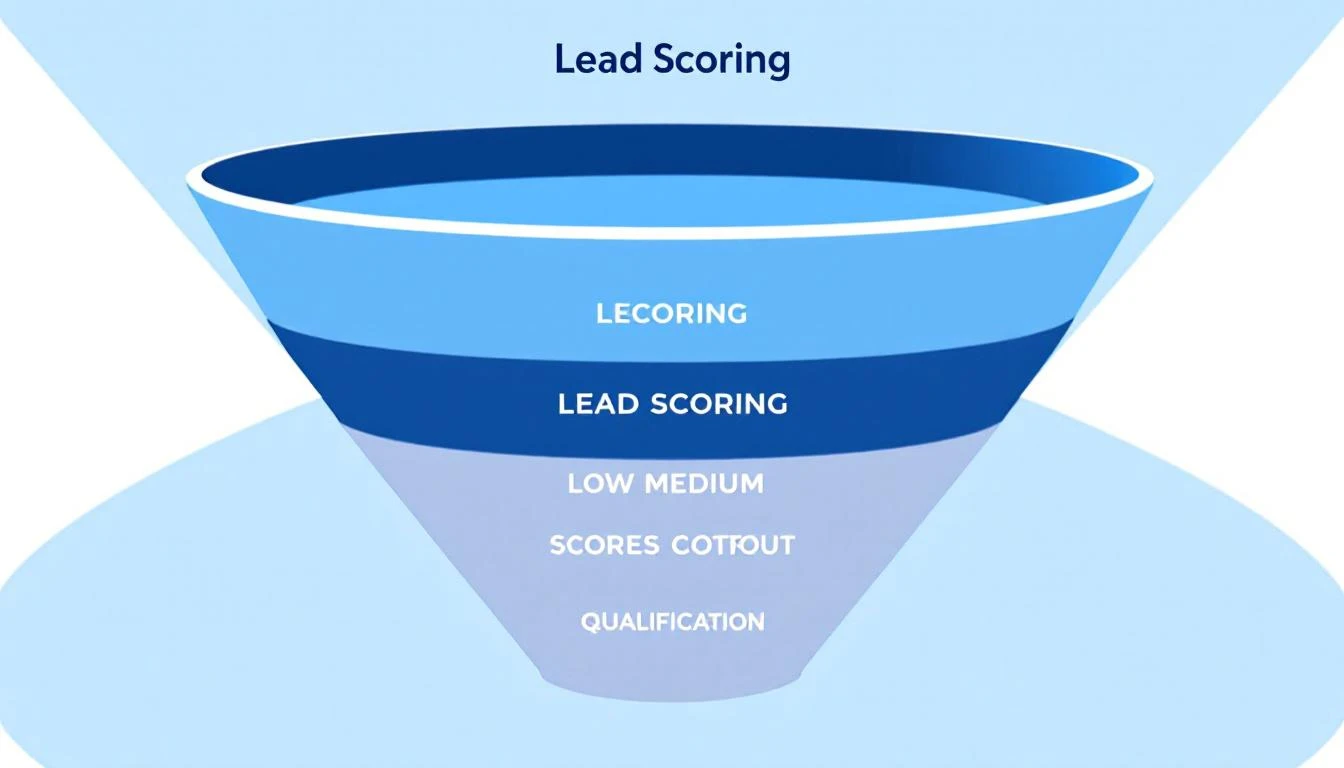
Priority Queues
Create three buckets:
- Hot (80-100): Same-day response required
- Warm (50-79): Sequence within 24 hours
- Nurture (0-49): Add to automated campaigns
Daily Playbook Integration
If you're using MarketBetter's Daily SDR Playbook, lead scores automatically surface in your task list. The AI doesn't just tell you who—it tells you what to do and in what order.
Slack Notifications
Use OpenClaw to send instant alerts when high-scoring leads come in:
// openclaw-config.js
onLeadScored: async (lead) => {
  if (lead.score >= 85) {
    await slack.send({
      channel: "#hot-leads",
      message: `🔥 Hot lead: ${lead.name} at ${lead.company} (Score: ${lead.score})`
    });
  }
}
Real-World Results
Teams using AI lead scoring report:
- 40% reduction in time spent qualifying leads
- 2.3x increase in connection rates (SDRs call the right people)
- 15% higher close rates (better leads = better outcomes)
The compounding effect is massive. When every SDR action is optimized, pipeline quality improves across the board.
Common Pitfalls to Avoid
1. Over-Indexing on Recency
Just because someone visited yesterday doesn't mean they're ready to buy. Balance recency with intent depth.
2. Ignoring Negative Signals
A lead who unsubscribed from emails or marked you as spam should score lower, even if their title looks perfect.
3. Set-and-Forget Mentality
Markets change. Re-train your model quarterly by analyzing recent closed-won and closed-lost deals.
4. Not Validating Against Reality
Track your predicted scores against actual outcomes. If 80+ scores aren't converting at higher rates, your model needs tuning.
Beyond Basic Scoring: Advanced Patterns
Once you have basic scoring working, Codex can build more sophisticated models:
Account-Level Scoring
Aggregate signals across all contacts at a company:
"Build an account score that combines individual contact scores
with company-level signals like recent job postings, funding news,
and technology stack changes."
Predictive Close Timing
Not just if they'll buy, but when:
"Analyze our won deals to identify the average time from
first touch to close for each lead score tier."
Churn Risk Scoring
Apply the same methodology to existing customers:
"Build a churn risk model based on product usage patterns,
support ticket frequency, and engagement with renewal content."
Getting Started Today
You don't need a data science team. With GPT-5.3 Codex, any GTM leader can build custom scoring in an afternoon:
- Export your closed deals from CRM (won and lost)
- Define your ideal signals in plain English
- Let Codex build the model, steering as needed
- Deploy and iterate based on results
The best part? When your model needs updating, just tell Codex what changed and let it adapt.
Try our AI Lead Generator — find verified LinkedIn leads for any company instantly. No signup required.
Conclusion
Lead scoring shouldn't be arbitrary point assignments decided in a meeting three years ago. With AI coding tools like Codex, you can build scoring systems that understand your specific business, learn from your actual customers, and evolve as your market changes.
The SDR who works the hottest leads first wins. Make sure your team has the AI to identify them.
Ready to put AI-powered lead scoring into action? MarketBetter's Daily SDR Playbook integrates intelligent lead prioritization with your entire outbound workflow. Book a demo to see how AI can transform your pipeline.