
How AI Agents Are Replacing Manual Data Entry in Sales [2026]

Your SDRs spend 5.5 hours per week on manual data entry. That's over 280 hours per year—per rep—copying information between systems, updating CRM records, and logging activities.
In 2026, that's inexcusable.
AI coding agents like Claude Code and OpenClaw now automate the entire data capture-to-CRM pipeline. No more copy-paste. No more "I'll update that later" (which means never). No more CRM records that are 3 weeks stale.
This guide shows you exactly how to eliminate manual data entry with AI agents—and why the best sales teams have already made the switch.
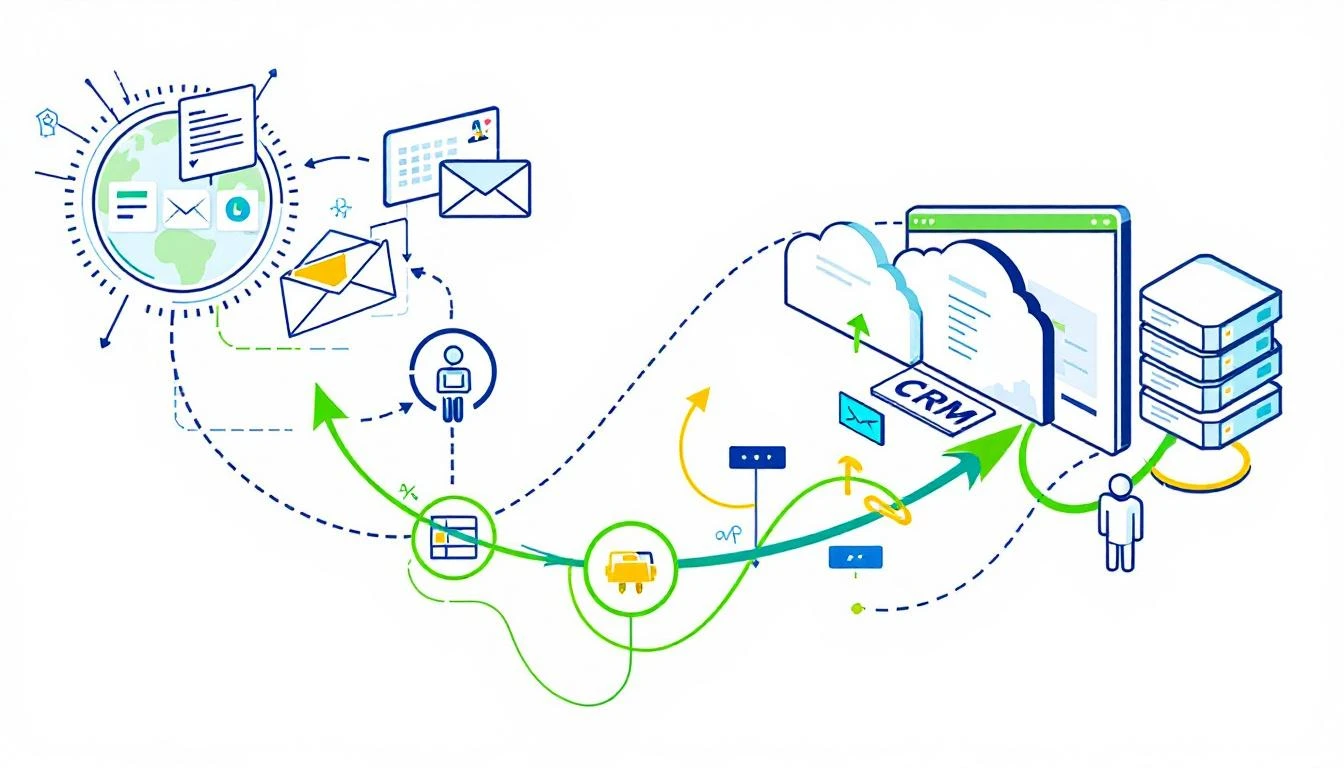
The Hidden Cost of Manual Data Entry
Let's do the math on what manual data entry actually costs your team:
Time Lost Per SDR (Weekly):
- Logging call notes: 45 minutes
- Updating contact records: 30 minutes
- Email activity sync: 20 minutes
- Meeting notes → CRM: 25 minutes
- Lead enrichment lookups: 40 minutes
- Deal stage updates: 20 minutes
- Total: 3+ hours minimum (most teams report 5-6 hours)
The Compound Problem:
- Data decay: B2B contact data decays at 30% per year. Manual processes can't keep up.
- Activity gaps: Reps log what they remember, not what happened. You lose signal.
- Pipeline fiction: Deals stay in wrong stages because updating is tedious.
- Forecasting errors: Bad data → bad forecasts → bad decisions.
A 10-rep team loses 2,800 hours per year to data entry. At $50/hour loaded cost, that's $140,000 in wasted productivity—doing work a machine should handle.
What AI-Automated Data Entry Looks Like
Modern AI agents don't just speed up data entry. They eliminate it entirely.
Here's the difference:
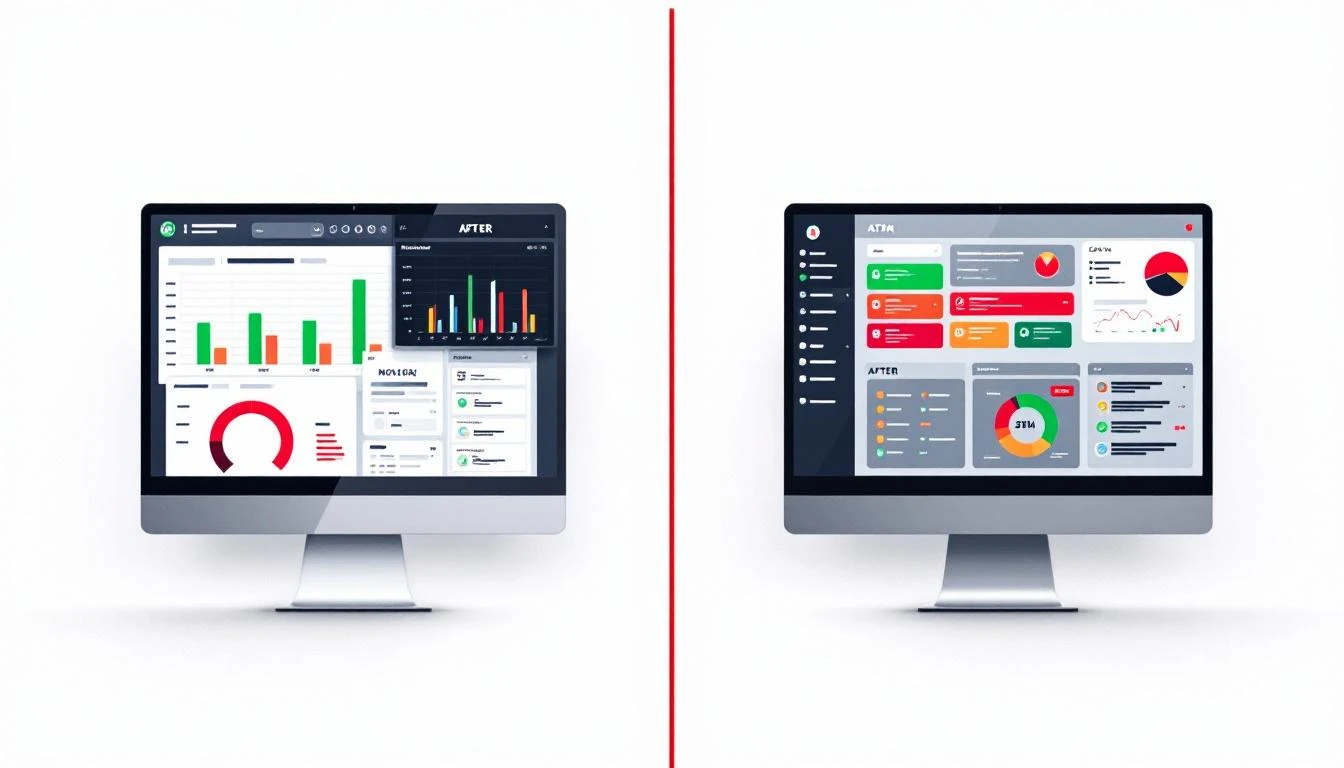
Before (Manual):
- SDR has call with prospect
- SDR opens CRM, finds contact record
- SDR types notes from memory (incomplete)
- SDR updates deal stage (maybe)
- SDR moves to next task
- Data quality: 60-70% accurate
After (AI-Automated):
- SDR has call with prospect
- AI agent automatically captures call transcript
- AI extracts key information, decisions, next steps
- AI updates CRM record with structured data
- AI moves deal to correct stage based on conversation content
- SDR reviews 30-second summary (optional)
- Data quality: 95%+ accurate
The SDR's job becomes selling, not typing.
Building Your AI Data Entry System
You have three main approaches:
Option 1: Claude Code for Custom Pipelines
Claude Code excels at building data processing pipelines that connect your existing tools:
# Example: Auto-extract meeting data and sync to HubSpot
import anthropic
from hubspot import HubSpot

def process_meeting_transcript(transcript: str, contact_id: str):
    """Extract structured data from meeting and update CRM."""

    client = anthropic.Client()

    # Claude extracts structured information
    extraction_prompt = f"""
    Extract the following from this sales call transcript:

    1. Key pain points mentioned
    2. Budget discussed (if any)
    3. Timeline mentioned
    4. Decision makers identified
    5. Next steps agreed
    6. Objections raised
    7. Competitive mentions
    8. Overall sentiment (1-10)

    Transcript:
    {transcript}

    Return as JSON.
    """

    response = client.messages.create(
        model="claude-sonnet-4-20250514",
        max_tokens=1000,
        messages=[{"role": "user", "content": extraction_prompt}]
    )

    extracted_data = json.loads(response.content[0].text)

    # Update HubSpot automatically
    hubspot = HubSpot(access_token=os.environ['HUBSPOT_TOKEN'])

    hubspot.crm.contacts.basic_api.update(
        contact_id=contact_id,
        properties={
            "last_meeting_notes": extracted_data['next_steps'],
            "pain_points": ', '.join(extracted_data['pain_points']),
            "budget_range": extracted_data.get('budget', 'Not discussed'),
            "lead_score": calculate_score(extracted_data)
        }
    )

    return extracted_data
Best for: Teams with engineering resources who want full control and customization.
Option 2: OpenClaw for 24/7 Automated Sync
OpenClaw runs AI agents continuously, watching for data that needs processing:
# openclaw.yaml - Continuous CRM sync agent
agents:
  crm-sync:
    schedule: "*/15 * * * *"  # Every 15 minutes
    prompt: |
      Check for new data that needs CRM sync:

      1. Scan email inbox for replies from prospects
      2. Check calendar for completed meetings
      3. Monitor Slack #sales for deal updates

      For each item found:
      - Extract relevant information
      - Update the matching CRM record
      - Log what you updated

      Use HubSpot API for all CRM operations.
Best for: Teams who want automation without building custom code.
Option 3: Codex for Complex Data Transformations
OpenAI's GPT-5.3 Codex (released Feb 5, 2026) handles multi-step data transformations:
# Use Codex CLI for data pipeline tasks
codex "Take the CSV of leads from our webinar,
       enrich each with LinkedIn data,
       score them based on our ICP criteria,
       and create HubSpot contacts for anyone scoring >70"
Codex's mid-turn steering lets you adjust the process while it runs—critical for complex data operations where you need to course-correct.
Best for: One-off data processing tasks and complex transformations.
The Data Sources AI Agents Can Capture
Modern AI agents can automatically extract and sync data from:
Communication Channels
- Email: Extract meeting requests, pricing discussions, objections, interest signals
- Call transcripts: Pull pain points, budget, timeline, decision makers, next steps
- LinkedIn messages: Capture prospect responses, connection accepts, content engagement
- Chat/Slack: Monitor deal discussions, flag customer mentions, track handoffs
External Sources
- Company websites: Pull technographics, news, job postings, leadership changes
- LinkedIn profiles: Extract titles, tenure, connections, activity
- News feeds: Capture funding announcements, acquisitions, expansions
- Review sites: Monitor G2/Capterra for competitive mentions
Internal Systems
- Calendar: Log meetings automatically, track no-shows, extract prep notes
- Documents: Parse proposals for deal values, contracts for terms
- Support tickets: Flag expansion opportunities, identify at-risk accounts
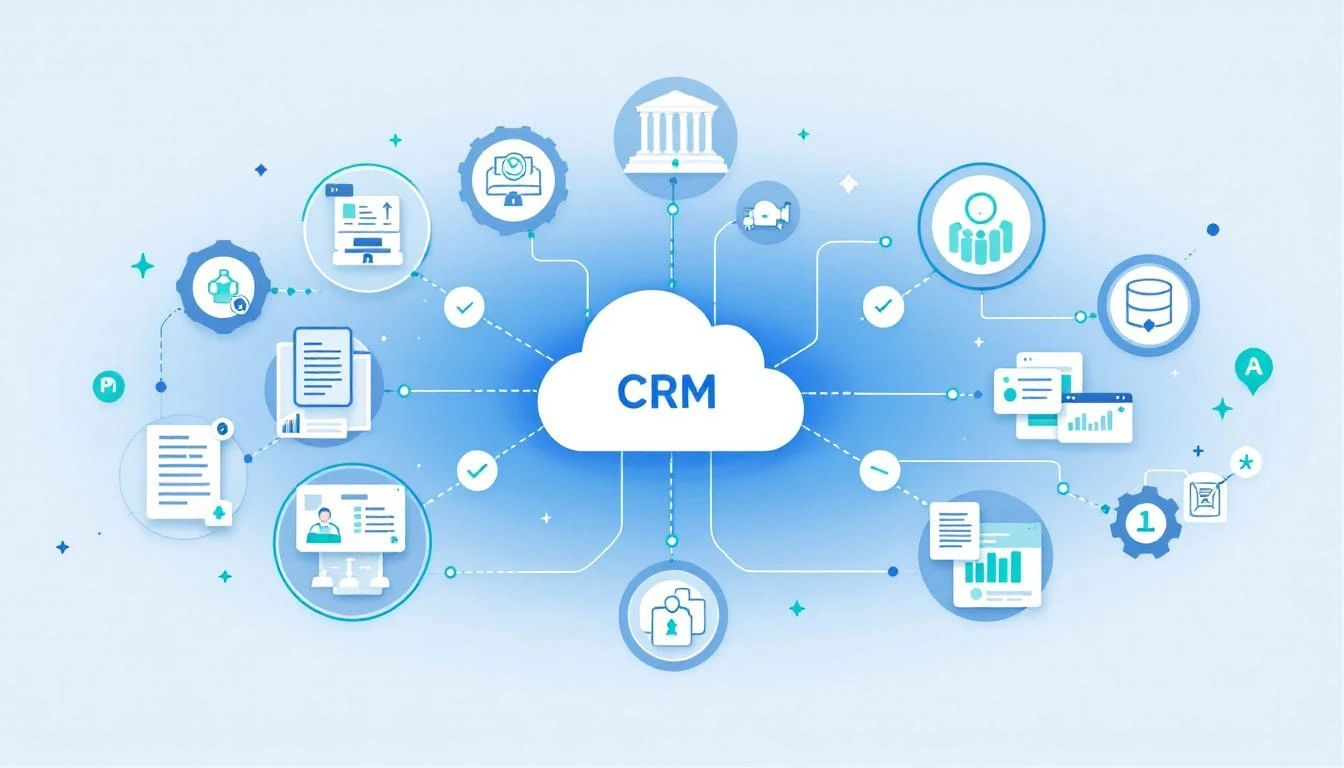
Real Implementation: Email-to-CRM Pipeline
Here's a production-ready example of auto-syncing email conversations to your CRM:
# email_to_crm_sync.py
import os
from datetime import datetime, timedelta
from anthropic import Anthropic
import requests

class EmailCRMSync:
    def __init__(self):
        self.claude = Anthropic()
        self.hubspot_token = os.environ['HUBSPOT_TOKEN']

    def get_recent_emails(self, hours=4):
        """Fetch emails from last N hours via MS Graph or Gmail API."""
        # Implementation depends on your email provider
        pass

    def extract_sales_signals(self, email_thread: str) -> dict:
        """Use Claude to extract actionable data from email."""

        response = self.claude.messages.create(
            model="claude-sonnet-4-20250514",
            max_tokens=1500,
            system="""You are a sales data extraction specialist.
            Extract structured information from email threads that should be logged in CRM.
            Be precise and only include information explicitly stated.""",
            messages=[{
                "role": "user",
                "content": f"""
                Extract CRM-relevant data from this email thread:

                {email_thread}

                Return JSON with:
                - contact_email: string
                - company_name: string (if mentioned)
                - sentiment: positive/neutral/negative
                - intent_signals: list of buying signals detected
                - objections: list of concerns raised
                - next_steps: list of agreed actions
                - timeline: any timeline mentioned
                - budget: any budget/pricing discussed
                - competitors: any competitors mentioned
                - should_update_crm: boolean
                - update_reason: why this warrants a CRM update
                """
            }]
        )

        return json.loads(response.content[0].text)

    def update_hubspot(self, contact_email: str, data: dict):
        """Push extracted data to HubSpot contact record."""

        # Find contact by email
        search_url = "https://api.hubapi.com/crm/v3/objects/contacts/search"
        headers = {"Authorization": f"Bearer {self.hubspot_token}"}

        search_response = requests.post(
            search_url,
            headers=headers,
            json={
                "filterGroups": [{
                    "filters": [{
                        "propertyName": "email",
                        "operator": "EQ",
                        "value": contact_email
                    }]
                }]
            }
        )

        results = search_response.json().get('results', [])
        if not results:
            return {"status": "contact_not_found"}

        contact_id = results[0]['id']

        # Build update payload
        properties = {}

        if data.get('sentiment'):
            properties['last_email_sentiment'] = data['sentiment']

        if data.get('intent_signals'):
            properties['recent_intent_signals'] = ', '.join(data['intent_signals'])

        if data.get('next_steps'):
            properties['agreed_next_steps'] = '; '.join(data['next_steps'])

        if data.get('timeline'):
            properties['stated_timeline'] = data['timeline']

        if data.get('competitors'):
            properties['competitors_mentioned'] = ', '.join(data['competitors'])

        properties['last_ai_sync'] = datetime.now().isoformat()

        # Update contact
        update_url = f"https://api.hubapi.com/crm/v3/objects/contacts/{contact_id}"
        update_response = requests.patch(
            update_url,
            headers=headers,
            json={"properties": properties}
        )

        return {
            "status": "updated",
            "contact_id": contact_id,
            "properties_updated": list(properties.keys())
        }

    def run_sync(self):
        """Main sync loop."""
        emails = self.get_recent_emails(hours=4)

        for email_thread in emails:
            data = self.extract_sales_signals(email_thread)

            if data.get('should_update_crm'):
                result = self.update_hubspot(
                    data['contact_email'],
                    data
                )
                print(f"Synced {data['contact_email']}: {result}")

# Run every 4 hours via cron or OpenClaw
if __name__ == "__main__":
    sync = EmailCRMSync()
    sync.run_sync()
What Changes for Your Team
When you eliminate manual data entry, everything shifts:
For SDRs
- +2-3 hours per day for actual selling
- CRM updates happen automatically—no guilt about incomplete records
- Better call prep (AI-enriched records before every conversation)
- Focus on high-value activities: calls, personalized outreach, relationship building
For Sales Managers
- Real-time pipeline accuracy: Deals reflect actual status
- Better forecasting: Data-driven predictions, not rep guesses
- Coaching opportunities: AI-captured conversations reveal skill gaps
- Activity visibility: Know what's actually happening, not just what's logged
For RevOps
- Data quality jumps to 95%+: Consistent, complete, current
- Standardized capture: Same fields populated the same way
- Audit trail: Know when and how every record was updated
- Integration simplicity: One AI layer vs. dozens of point-to-point connections
The Build vs. Buy Decision
You have three paths:
Build with AI Coding Agents (Claude Code, Codex)
- Cost: Engineering time + API costs (~$50-200/month)
- Control: Full customization
- Timeline: 2-4 weeks to production
- Best for: Teams with engineering resources, complex requirements
Buy Specialized Tools + AI Layer
- Cost: Tool subscriptions + AI costs (~$500-2000/month)
- Control: Moderate
- Timeline: Days to weeks
- Best for: Mid-size teams, standard requirements
Enterprise AI Platforms
- Cost: $35,000-100,000+/year
- Control: Limited
- Timeline: Months (vendor implementation)
- Best for: Large enterprises, compliance requirements
Our recommendation: Start with Claude Code or OpenClaw. Build a single pipeline (email → CRM). Prove the ROI. Then expand.
Getting Started Today
Week 1: Audit Your Data Entry
- Track time spent on manual data entry (use Toggl or similar)
- Identify your three biggest time sinks
- Map your current data flow (what goes where)
Week 2: Build Your First Pipeline
- Pick one high-impact flow (we recommend email → CRM)
- Set up Claude Code or OpenClaw
- Build extraction prompts for your specific data
- Test with 10 real records
Week 3: Deploy and Monitor
- Run in parallel with manual process
- Compare accuracy (AI vs. human)
- Adjust prompts based on errors
- Go live when accuracy exceeds 90%
Week 4: Expand
- Add call transcript processing
- Connect calendar data
- Build enrichment pipelines
- Train team on new workflow
Try our AI Lead Generator — find verified LinkedIn leads for any company instantly. No signup required.
The Future of Sales Data
Manual data entry is a solved problem. The tools exist. The APIs are available. The AI is capable.
The only question is whether you'll spend 2026 with reps typing notes into CRMs—or with reps actually selling while AI handles the busywork.
The best sales teams have already decided.
Ready to eliminate manual data entry? See how MarketBetter automates the entire SDR workflow →