
AI-Powered A/B Testing for Sales Campaigns: Iterate 10x Faster [2026]
Your sales team runs the same campaigns for months.
"This email sequence works okay." "That call script converts about 3%." "LinkedIn outreach gets some responses."
Works okay is killing your pipeline.
The problem isn't that you don't test—it's that traditional A/B testing takes forever. By the time you reach statistical significance, the market has moved on.
What if you could run 10 tests in the time it currently takes to run one?
AI makes this possible. Here's how to build a system that continuously experiments, learns, and optimizes your outbound.
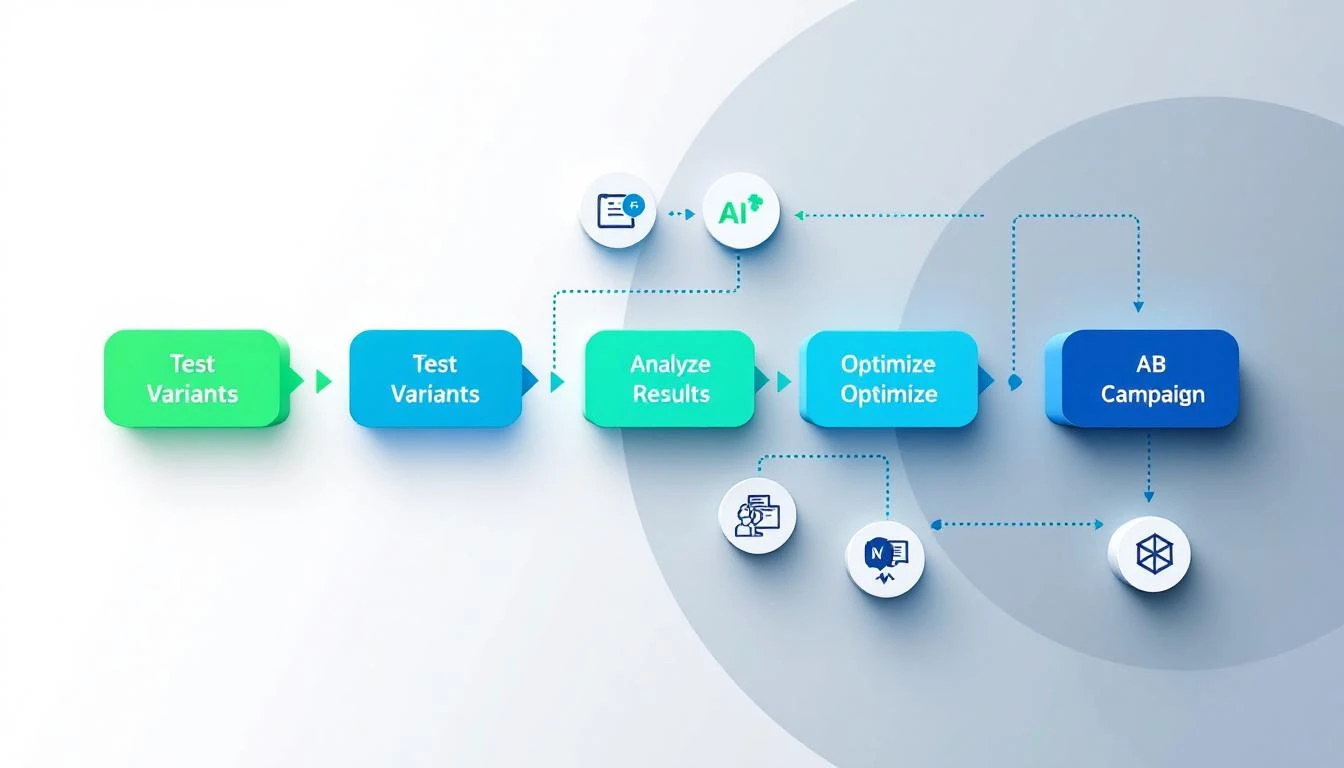
Why Traditional A/B Testing Fails for Sales
The Volume Problem
To reach 95% statistical significance with a 2% conversion rate and 0.5% lift, you need roughly 15,000 sends per variant.
Most sales teams don't send 30,000 emails in a quarter. They never get clean answers.
The Multivariate Problem
You want to test:
- Subject line (5 variants)
- Opening line (4 variants)
- CTA (3 variants)
- Send time (4 variants)
- Personalization depth (3 variants)
That's 720 combinations. At 15K per test, you'd need 10.8 million sends to test everything.
Impossible.
The Time Problem
Even if you had the volume, testing one thing at a time takes months:
- Test 1: Subject lines (6 weeks)
- Test 2: Opening lines (6 weeks)
- Test 3: CTAs (6 weeks)
- Test 4: Send times (6 weeks)
Six months later, you've tested 4 things. Your competitors have tested 40.
The AI-Powered Approach
AI agents can:
- Design smart tests — Focus on high-impact variables
- Generate variants — Create dozens of options instantly
- Analyze faster — Use Bayesian methods for quicker decisions
- Synthesize learnings — Understand WHY something works, not just IF
What Changes
| Traditional | AI-Powered |
|---|---|
| Test 1 variable at a time | Test variable clusters |
| Wait for significance | Use Bayesian early stopping |
| Manually analyze results | AI explains patterns |
| Document in spreadsheets | Learning database grows |
| Quarterly optimization cycles | Weekly iterations |
Building Your AI Testing System
Step 1: The Test Design Agent
First, decide what to test. AI helps prioritize:
codex "Create a test prioritization function that:

Given current campaign performance metrics:
- Open rate: {{open_rate}}
- Reply rate: {{reply_rate}}
- Meeting rate: {{meeting_rate}}

And historical test results:
{{past_tests}}

Recommend the next 3 tests to run, ranked by:
1. Expected impact (how much could it move the needle?)
2. Confidence (do we have enough volume?)
3. Learning value (will results inform other campaigns?)

For each test, specify:
- Variable to test
- Hypothesis (why we think it might work)
- Sample size needed
- Success metric
- Timeline estimate"
Step 2: The Variant Generator
Once you know what to test, generate variants:
// For subject line testing
const variantPrompt = `Generate 5 subject line variants for this email:

Current subject: "Quick question about {{company}}'s pipeline"
Current open rate: 28%

Target audience: VP Sales at 50-200 person SaaS companies
Email purpose: First outreach, cold lead

Generate variants across these dimensions:
1. Direct vs. curious
2. Short (4 words) vs. medium (7 words)
3. Personalized vs. generic
4. Question vs. statement
5. Urgency vs. value-first

For each variant, explain the psychological principle it uses.
Rate predicted open rate improvement (-20% to +50%).`;
Example output:
| Variant | Type | Predicted Lift |
|---|---|---|
| "3 ideas for {{company}}" | Specific + value | +15% |
| "Saw your post on X" | Personalized + curious | +25% |
| "Quick pipeline question" | Short + direct | +5% |
| "{{FirstName}}, quick thought" | Personal + casual | +20% |
| "Are you still struggling with Y?" | Pain point + question | +10% |
Step 3: Bayesian Analysis Engine
Traditional p-value testing is slow. Bayesian methods let you decide faster:
codex "Create a Bayesian A/B test analyzer that:

1. Takes conversion data for control and variants
2. Calculates probability each variant beats control
3. Recommends action:
   - 'Keep testing' if no variant >85% likely to win
   - 'Pick winner' if one variant >95% likely to beat all
   - 'Stop test, no winner' if all variants within 2% of each other

4. Estimates required additional sample for confident decision
5. Projects final expected lift with confidence interval

Use Beta-Binomial model for conversion metrics.
Output results in plain English + data table."
Sample output:
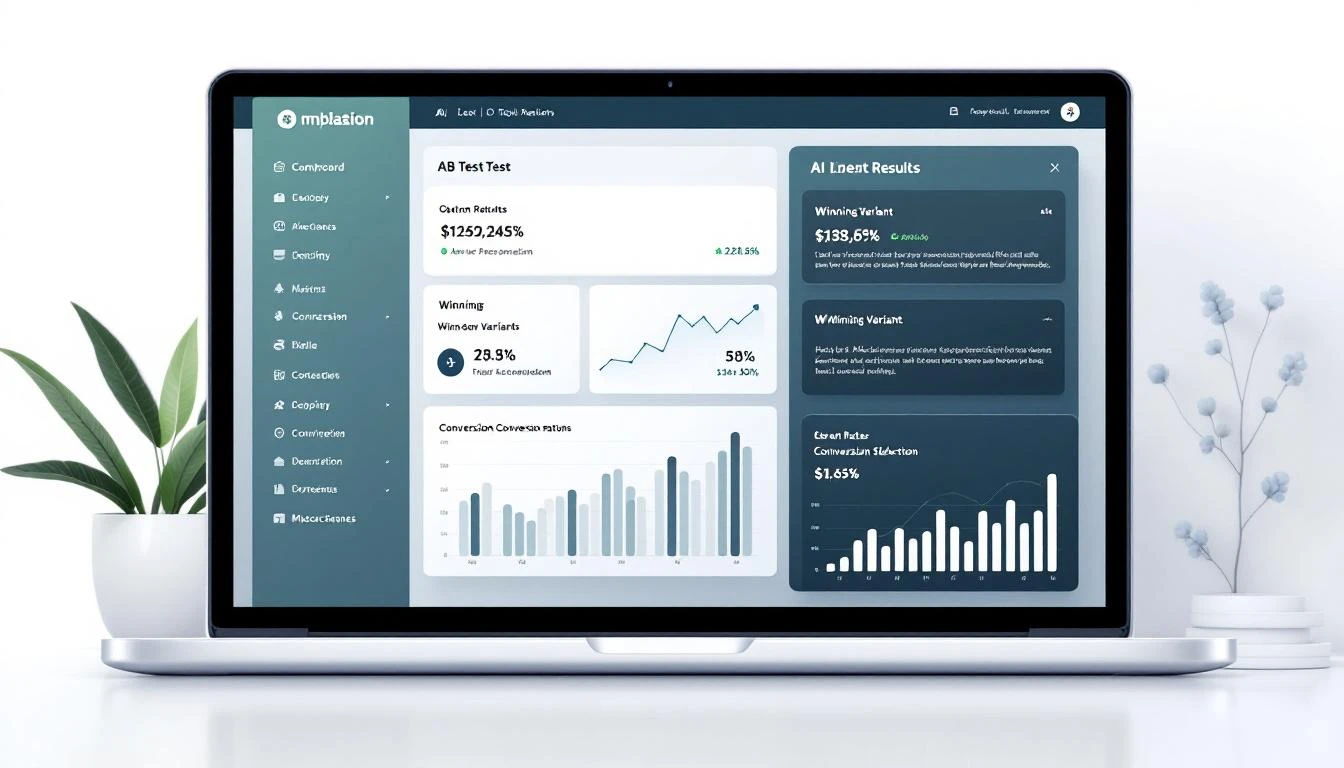
Test: Subject Line Experiment #14
Duration: 5 days
Sends: Control (847), V1 (852), V2 (844), V3 (851)

Results:
- Control: 31.2% open rate (264 opens)
- Variant 1: 38.4% open rate (327 opens) — 94% likely to beat control
- Variant 2: 29.8% open rate (251 opens) — 23% likely to beat control
- Variant 3: 33.6% open rate (286 opens) — 71% likely to beat control

Recommendation: Continue testing V1 for 2 more days.
At current trajectory, 97% confidence expected by Thursday.

Expected lift if V1 wins: +18-26% open rate improvement
Annual impact estimate: +340 additional replies, ~68 extra meetings
Step 4: The Learning Synthesizer
Don't just know WHAT won—understand WHY:
const synthesisPrompt = `Analyze these A/B test results and extract learnings:

Test: {{test_name}}
Date: {{date_range}}
Audience: {{audience}}

Results:
{{results_table}}

What patterns explain the winner?
- Message characteristics (length, tone, structure)
- Personalization elements
- Psychological triggers
- Timing factors

How should these learnings apply to:
1. Other email campaigns
2. LinkedIn outreach
3. Cold call scripts
4. Landing page copy

Add to our learning database in structured format.`;
Step 5: The Continuous Optimization Loop
Tie it together with OpenClaw:
# Weekly optimization cycle
schedule:
  - name: "Monday Test Planning"
    cron: "0 9 * * 1"
    task: |
      1. Review last week's test results
      2. Archive completed tests to learning DB
      3. Generate new test recommendations
      4. Create variants for approved tests
      5. Configure test in email platform
      6. Post summary to Slack

  - name: "Daily Test Check"
    cron: "0 17 * * 1-5"
    task: |
      1. Pull latest metrics from active tests
      2. Run Bayesian analysis
      3. Flag any tests ready for decision
      4. Alert team if early winner emerging

  - name: "Friday Results Review"
    cron: "0 14 * * 5"
    task: |
      1. Compile weekly test report
      2. Update learning database
      3. Calculate cumulative improvement
      4. Recommend weekend automation changes
Real-World Testing Framework
Email Sequence Testing
| Variable | Test Method | Volume Needed | Timeline |
|---|---|---|---|
| Subject line | Bayesian MVT | 2,000 | 1 week |
| Opening line | Sequential | 1,500 | 5 days |
| CTA button/text | Head-to-head | 1,000 | 4 days |
| Send time | Time-block | 3,000 | 2 weeks |
| Sequence length | Cohort | 500 | 3 weeks |
Cold Call Script Testing
| Variable | Test Method | Calls Needed | Timeline |
|---|---|---|---|
| Opening hook | A/B | 200 | 2-3 days |
| Qualification questions | Sequential | 150 | 2 days |
| Value prop framing | MVT | 300 | 4 days |
| Objection responses | Scenario-based | 100 per objection | Ongoing |
LinkedIn Outreach Testing
| Variable | Test Method | Connections | Timeline |
|---|---|---|---|
| Connection request | Sequential | 200 | 2 weeks |
| First message | A/B | 100 | 1 week |
| Follow-up timing | Cohort | 150 | 3 weeks |
| Content type shared | MVT | 200 | 2 weeks |
Case Study: 10 Tests in 10 Weeks
Here's what a real AI-powered testing program delivered:
Starting Point
- Email open rate: 28%
- Reply rate: 3.2%
- Meeting rate: 0.8%
Tests Run
| Week | Test | Winner | Lift |
|---|---|---|---|
| 1 | Subject: Question vs. statement | Question | +12% open |
| 2 | Opener: Pain vs. observation | Observation | +8% reply |
| 3 | CTA: Calendar link vs. question | Question | +15% reply |
| 4 | Timing: Morning vs. afternoon | Morning | +6% open |
| 5 | Personalization: Company vs. person | Person | +22% reply |
| 6 | Length: Short vs. detailed | Short | +11% reply |
| 7 | Proof: Case study vs. metric | Metric | +9% reply |
| 8 | Follow-up: Day 2 vs. Day 4 | Day 3* | +7% reply |
| 9 | Sequence: 4-touch vs. 6-touch | 5-touch* | +4% meeting |
| 10 | Combined winners | Full new sequence | Validated |
*Bayesian analysis found optimal point between tested options
Ending Point
- Email open rate: 41% (+46%)
- Reply rate: 6.1% (+91%)
- Meeting rate: 1.8% (+125%)
Same volume, more than double the meetings.
Common Mistakes to Avoid
Testing Too Many Things
You don't need to test everything. Focus on:
- Variables with high potential impact
- Variables you can actually change
- Variables where you have a hypothesis
Skip testing whether "Regards" beats "Best"—it doesn't matter.
Ignoring Segmentation
An email that wins for VP Sales might lose for SDR Managers. Always check if results hold across segments.
// Always segment analysis
const segments = ['VP+', 'Director', 'Manager', 'IC'];
segments.forEach(seg => {
  const segResults = analyzeBySegment(testData, seg);
  if (segResults.winner !== overallWinner) {
    alert(`Segment ${seg} prefers different variant!`);
  }
});
Declaring Winners Too Early
Bayesian analysis is faster, but not instant. Still need sufficient data:
- Minimum 100 conversions per variant for reliable signals
- Watch for day-of-week effects (full week minimum)
- Check that winner is consistent, not a fluke
Not Documenting Learnings
The test result isn't the value—the learning is. Document:
- What we tested
- What we hypothesized
- What actually happened
- Why we think it happened
- How this applies elsewhere
Building the Learning Database
Create institutional memory that compounds:
// learning_db.schema
{
  test_id: 'test_2026_02_14',
  date: '2026-02-14',
  category: 'email_subject',
  hypothesis: 'Specific numbers increase open rates',
  variants: [...],
  winner: 'variant_a',
  lift: 0.18,
  confidence: 0.97,
  segment_notes: 'Held across all segments',
  explanation: 'Specificity creates curiosity. "3 ideas" beats "a few ideas"',
  applications: [
    'Use specific numbers in all email subjects',
    'Test numbered lists in LinkedIn headlines',
    'Apply to call opening hooks'
  ],
  related_tests: ['test_2025_11_02', 'test_2026_01_08']
}
Over time, this becomes your competitive advantage—a proprietary knowledge base of what works for YOUR audience.
Connecting to MarketBetter
A/B testing is most powerful when integrated into your daily SDR workflow. MarketBetter's Daily SDR Playbook can:
- Apply winning templates — Automatically use your best-performing copy
- Segment for testing — Route prospects to test vs. control groups
- Track results — Measure conversions through to meeting and revenue
- Alert on changes — Notice when a winning approach stops working
Ready to see continuous optimization in action? Book a demo and we'll show you how AI-powered SDR workflows adapt in real-time.
Getting Started
This Week
- Audit current campaigns—what are your baseline metrics?
- Identify your biggest opportunity (open rate? reply rate? meetings?)
- Design first test with 3-5 variants
This Month
- Run 2-3 tests
- Set up Bayesian analysis script
- Create learning database
- Document first insights
This Quarter
- Average 2+ tests per week
- Train team on reading test results
- Build segment-specific playbooks
- Measure cumulative improvement
The teams that test fastest, win.
Try our Marketing Plan Generator — generate a complete AI-powered marketing plan in minutes. No signup required.
Further Reading
- AI Email Personalization at Scale — Generate test variants automatically
- 10 Codex Prompts That 10x SDR Productivity — Prompts for variant generation
- Build a 24/7 Pipeline Monitor with OpenClaw — Track test results in real-time
Stop guessing. Start testing. The data will show you what works.